
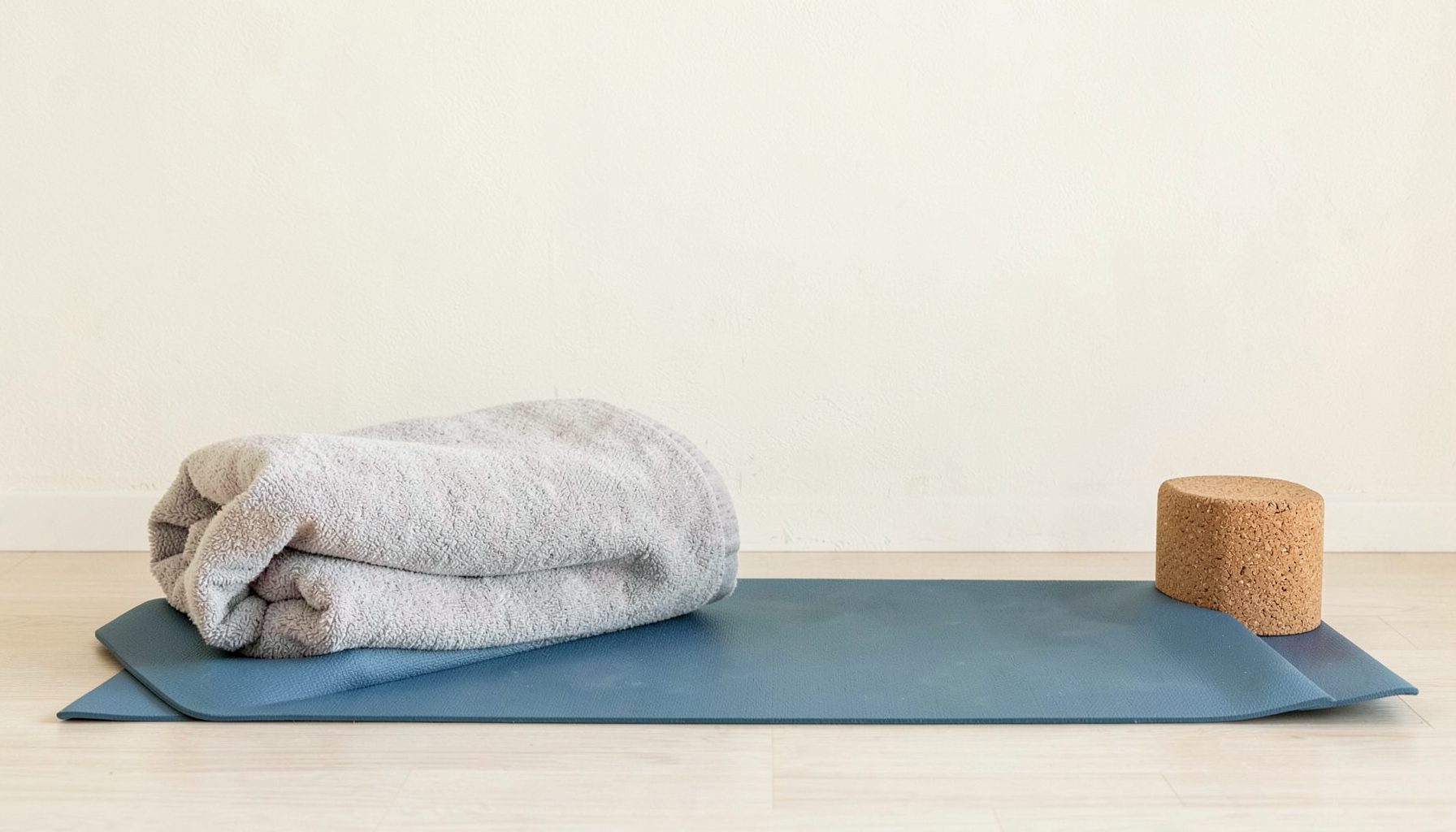




Gentle yoga for wrist comfort at a computer
Long hours at a keyboard can leave the wrists feeling tight, tired or strangely disconnected from the rest of the body. The discomfort may begin as a mild ache after a video call and become more noticeable while scrolling, typing or carrying a laptop. A few mindful movements can help you pause before tension builds.
Yoga for wrist comfort is less about forcing a deep stretch and more about restoring easy movement through the fingers, hands, forearms, shoulders and neck. With calm breathing and sensible pacing, these practices can fit into a workday in Sydney, Melbourne, Brisbane or anywhere a screen forms part of daily life.
Why computer work affects the wrists
Typing and mouse use usually keep the hands in a small range of motion for long periods. The fingers move repeatedly while the wrist may remain extended, angled towards the little-finger side, or held in one position. Muscles and connective tissues in the forearm can gradually become fatigued, especially when the shoulders are lifted or the elbows hover away from the body.
A laptop setup often adds to the problem. When the screen is low, you may round your upper back and reach forwards; when the keyboard is too far away, the wrists may bend upwards. Hybrid workers moving between a home office, a café and a shared workplace can find it difficult to create a consistent setup. Even a short “cuppa” break can become an opportunity to release your hands rather than continue scrolling on your phone.
Wrist discomfort does not always come from simple muscular tightness. Tingling, numbness, loss of grip strength, swelling, sharp pain or symptoms that travel into the arm deserve professional attention. A physiotherapist or GP can help identify issues such as nerve irritation, tendon inflammation or an existing injury. Gentle yoga should support care, not replace an assessment.
Set up a kinder practice
Begin by moving away from the keyboard and placing both feet on the floor. Let your hands rest on your thighs, close your eyes if that feels comfortable, and notice the difference between the left and right hand. You might feel warmth, pulsing, stiffness or very little sensation. There is no need to correct anything immediately. This brief pause helps you recognise how much effort you are carrying.
Sit tall without making the spine rigid. Soften the jaw, let the shoulders drop and breathe in through the nose if that is comfortable. On each exhale, allow the forearms to become heavier. Practise near a desk or wall so you can stay steady, and remove a watch or tight bracelet if it restricts movement.
A useful rule is to keep every stretch at a mild to moderate intensity. The sensation should feel spacious or pleasantly informative, never sharp, electric or alarming. If you notice pins and needles, reduce the range or stop. People with recent wrist surgery, fractures, inflammatory conditions or persistent symptoms should receive individual guidance before adding weight-bearing poses.
For a broader approach to mindful movement, breathwork and sustainable home practice, explore Camille Dodson Yoga alongside these short workplace pauses. The aim is to build a relationship with your body, rather than treat it as another task to complete.
Gentle movements for the hands and forearms
Start with wrist circles while keeping the elbows close to the ribs. Make slow circles in one direction for three breaths, then reverse them. Keep the movement small enough that the skin and muscles around the wrist stay relaxed. Follow with finger waves: spread the fingers softly, then curl them into a loose fist without squeezing. Open and close the hands five to eight times.
Try a palm glide next. Bring the palms together in front of the chest, with the fingers pointing upwards. Without pressing hard, lower the hands a few centimetres until you feel a gentle opening through the inner wrists and forearms. Hold for two or three relaxed breaths, then return to centre. This is a mobility exercise, not a test of flexibility; stop before the wrists feel compressed.
For the back of the forearms, extend one arm forwards with the palm facing down. Keep the elbow soft and use the other hand to guide the fingers slightly towards you. Hold for up to three breaths, then release completely. Turn the palm upwards and repeat with a very light draw of the fingers back. Switch sides. People with sensitive wrists may prefer to rest the extended forearm on a folded towel or perform the same action with the elbow bent.
Finish with a tendon-gliding sequence. Begin with the fingers long, move into a relaxed hook shape, then a gentle fist, and finally a straight fist with the thumb resting across the palm. Move slowly through each shape and return to open hands. This can be useful after repetitive keyboard work because it changes the position of the fingers without asking for a forceful stretch. Do not clench or continue if pain increases.
Include the shoulders, neck and breath
The wrists rarely work in isolation. When the shoulders creep towards the ears, the arms become less free and the hands may compensate. Sit or stand with the arms by your sides. Inhale as you gently lift the shoulders, exhale as you slide them down and back. Repeat five times, then make slow shoulder rolls without pinching the shoulder blades together.
Add a seated eagle-arm variation if it feels comfortable. Stretch both arms forwards, cross one elbow over the other and bend the elbows so the forearms rise. The palms can touch, or the backs of the hands can meet. Keep the collarbones broad and breathe into the space between the shoulder blades. After two or three breaths, unwind slowly and change the crossing. Skip this shape if it causes shoulder or wrist strain.
Neck movement can also change the quality of computer posture. Look straight ahead, then slowly turn the head to one side and back to centre, followed by the other side. Keep the chin level and avoid pulling the head into a stretch. A few gentle side bends may be enough. The Australian habit of working outdoors or near a sunny window can make screens harder to see, so adjust the display and lighting rather than leaning the head forwards.
Try pairing movement with a simple breathing rhythm: inhale for a comfortable count of four and exhale for a count of six, without holding the breath. The longer exhale can encourage a calmer nervous system, particularly after a busy morning of meetings. In a warm Brisbane or Perth summer, practise with water nearby and avoid gripping props or pressing into a hot surface with sweaty hands.
Make your desk more supportive
Movement works best when the workstation asks less of the body. Keep the keyboard close enough that the elbows can remain near the ribs, with the forearms roughly parallel to the floor. Aim for a neutral wrist rather than a sharply lifted or collapsed position. A separate keyboard can help when a laptop screen needs to be raised, and an external mouse may reduce awkward reaching.
Check the chair before buying new equipment. Your feet should feel supported, your knees should be comfortable, and your shoulders should not need to lift to reach the desk. If your desk is high, a footrest or stable box may improve your position. Australian retailers such as Officeworks stock ergonomic keyboards, mice and monitor stands, though the most expensive accessory is not automatically the right one. Test whether an item lets you relax before committing to it.
Change positions regularly instead of searching for one perfect posture. Stand during a phone call, type with both hands close to the body, or take a short walk between tasks. A two-minute reset every half hour may be more useful than one long stretch at the end of the day. Workers in shared offices, university libraries or coworking spaces can use a quiet corridor or outdoor area for hand and shoulder movements.
For people working from home, place reminders where they are visible: a note beside the trackpad, an alarm linked to meeting breaks or a small mark on the edge of the monitor. The goal is not to interrupt concentration constantly. It is to notice early signs of gripping, raised shoulders or wrist bending before they become a familiar background sensation.
Create a short daily sequence
A practical sequence can take five minutes. Sit comfortably, feel both feet on the floor and take three unhurried breaths. Circle the wrists, wave the fingers and open and close the hands. Add the palm glide, then stretch one palm down and up with the opposite hand. Repeat on the other side, keeping the whole practice smooth rather than symmetrical at all costs.
Continue with five shoulder lifts and releases, two slow head turns each way, and one round of the tendon-gliding sequence. Finish by placing the hands on the thighs with the palms facing up. Notice whether the hands feel warmer, lighter or simply more present. Any change can be useful information, even if the discomfort has not disappeared.
You can adapt the timing to your working rhythm. Before the first email, use the full sequence. Around lunchtime, choose only the finger movements and shoulder rolls. At the end of the workday, combine gentle wrist mobility with a few quiet breaths so the body receives a clear transition from screen time to personal time. This can be especially helpful for people balancing home-based work with family routines or evening study.
Keep a simple record for a week: when discomfort appears, which activity came before it, and which movement feels relieving or irritating. Patterns may emerge around long editing sessions, gaming, phone use or a particular mouse. Share these observations with a qualified health professional if symptoms continue, worsen or interfere with sleep and everyday tasks.
Wrist care becomes more effective when it is woven into ordinary moments rather than reserved for a formal class. Let the hands relax while a page loads, roll the shoulders after sending a message, and take one breath before returning to the keyboard. Small movements cannot solve every cause of pain, but they can improve awareness and reduce the habit of working through early signals.
The most important principle is kindness: keep the wrists mobile without forcing them, support the whole upper body, adjust the workstation where possible, and seek professional advice for persistent or concerning symptoms. A comfortable practice is one that leaves you feeling more connected to your hands and more able to meet the day with ease.